

You can enable enterprise connections for applications using the . To enable your enterprise connection, you should have already set it up.Documentation Index
Fetch the complete documentation index at: https://auth0-feat-tab-ia.mintlify.app/llms.txt
Use this file to discover all available pages before exploring further.
-
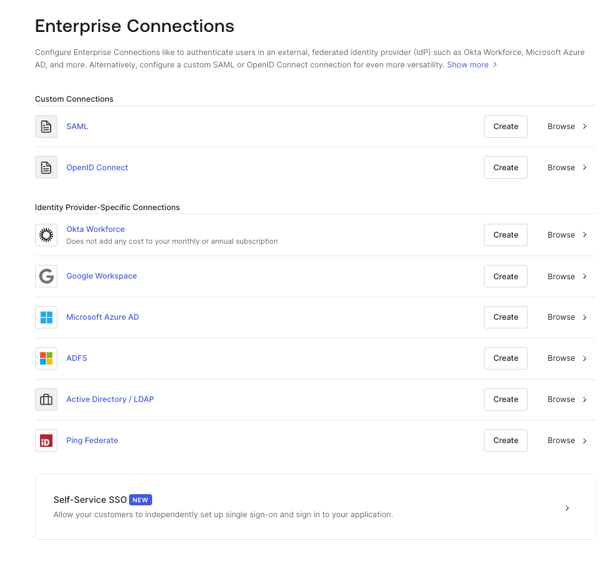
Go to Auth0 Dashboard > Authentication > Enterprise, and select the connection type to view.
-
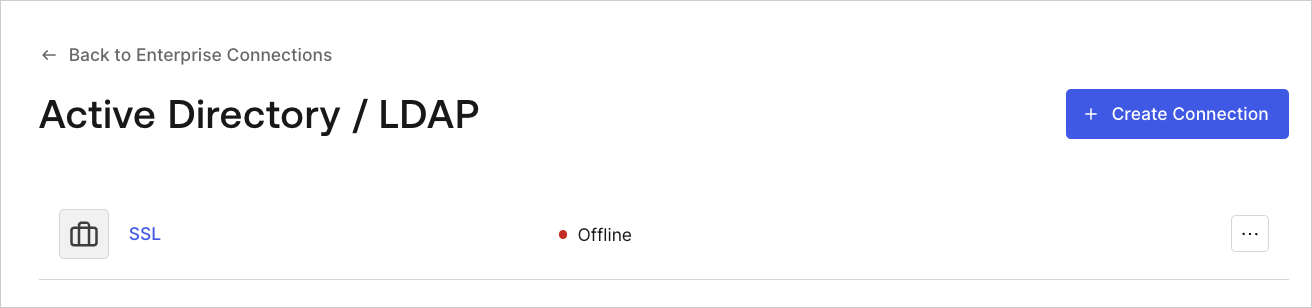
Select the name of the connection to view.
-
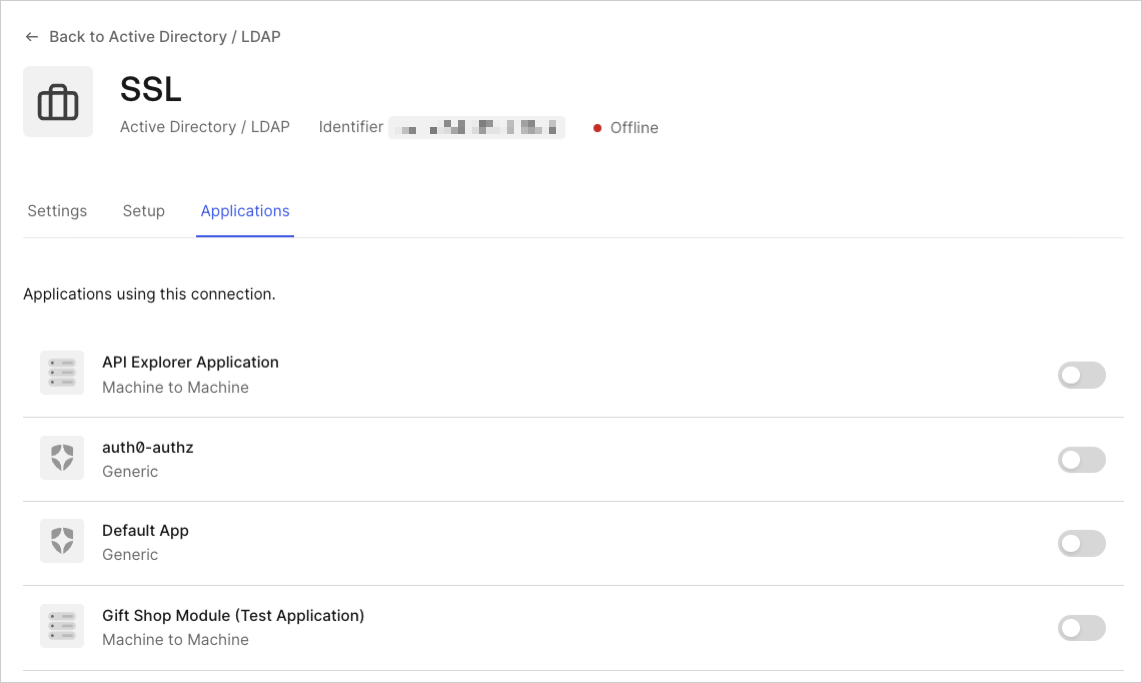
Select the Applications view, and enable or disable the connection for the appropriate application(s).
connection parameter passed to Auth0’s /authorize, /whr, or /wsfed endpoint will redirect to the upstream IdP unless it’s connected via database or Active Directory.